
1
Save
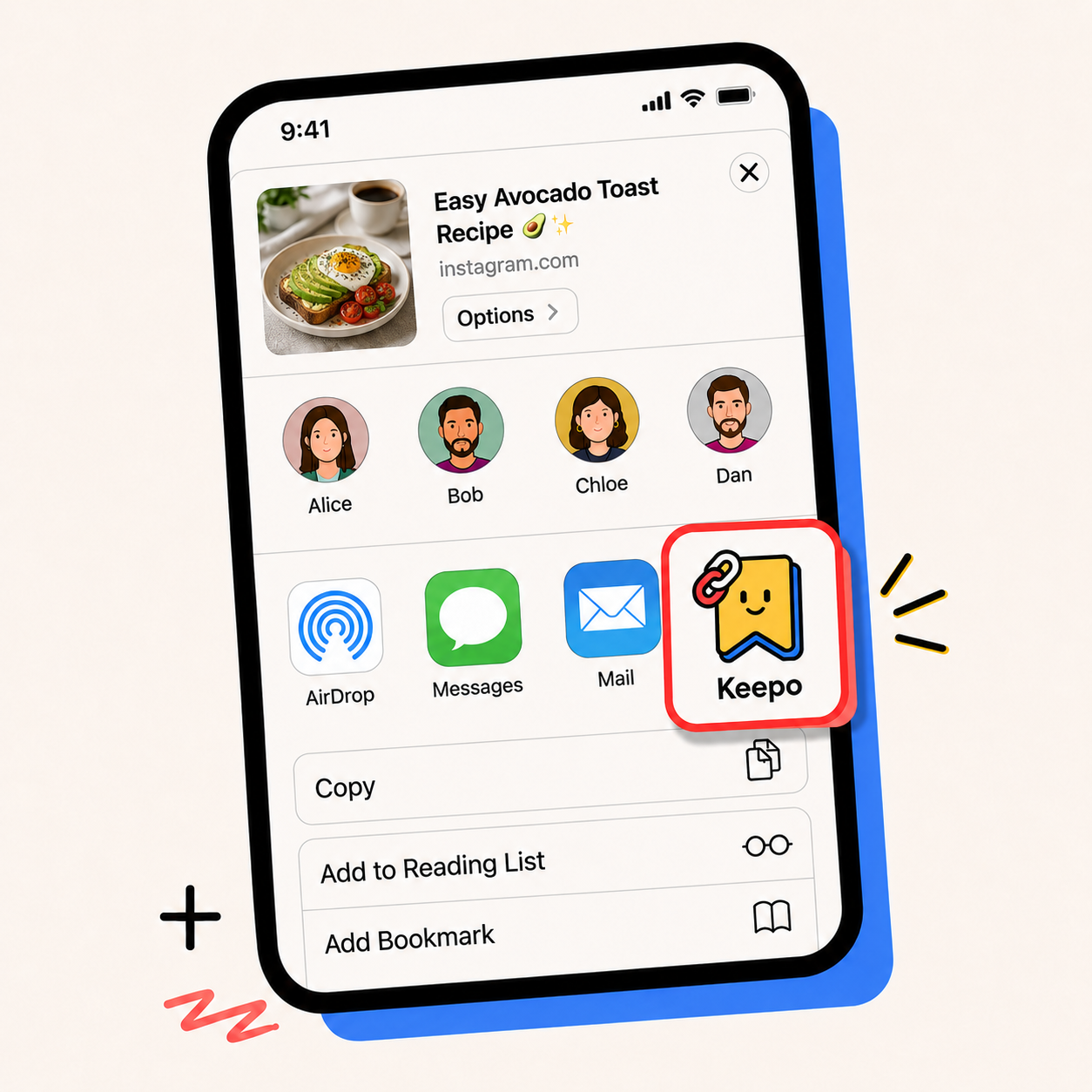
Save links from anywhere with one tap.
 Tuckii
Tuckii is a private bookmark manager that saves links from any app, organizes them into collections, and finds anything in seconds — no account needed.
Preview the full save-links flow, then browse screens for search, bulk share, hold actions, and link details.
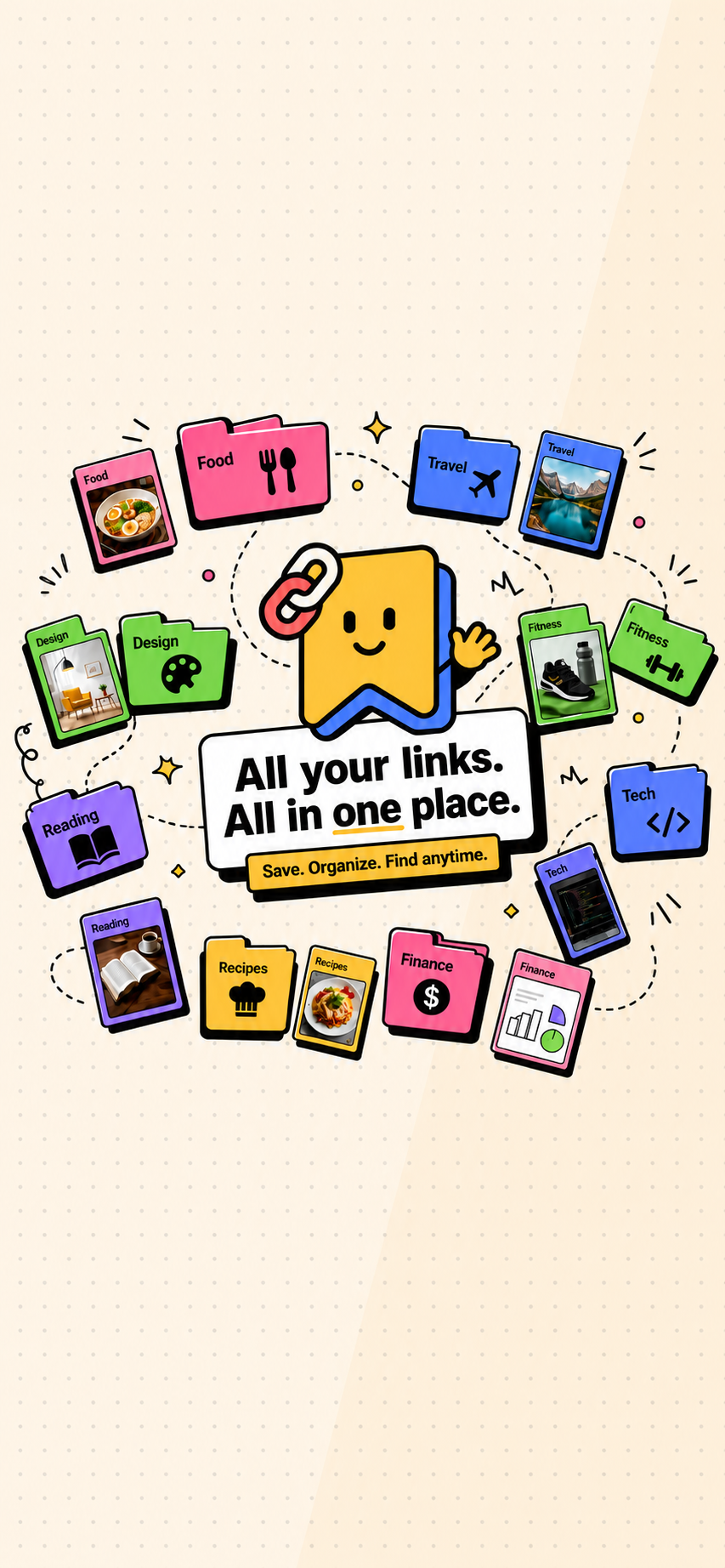
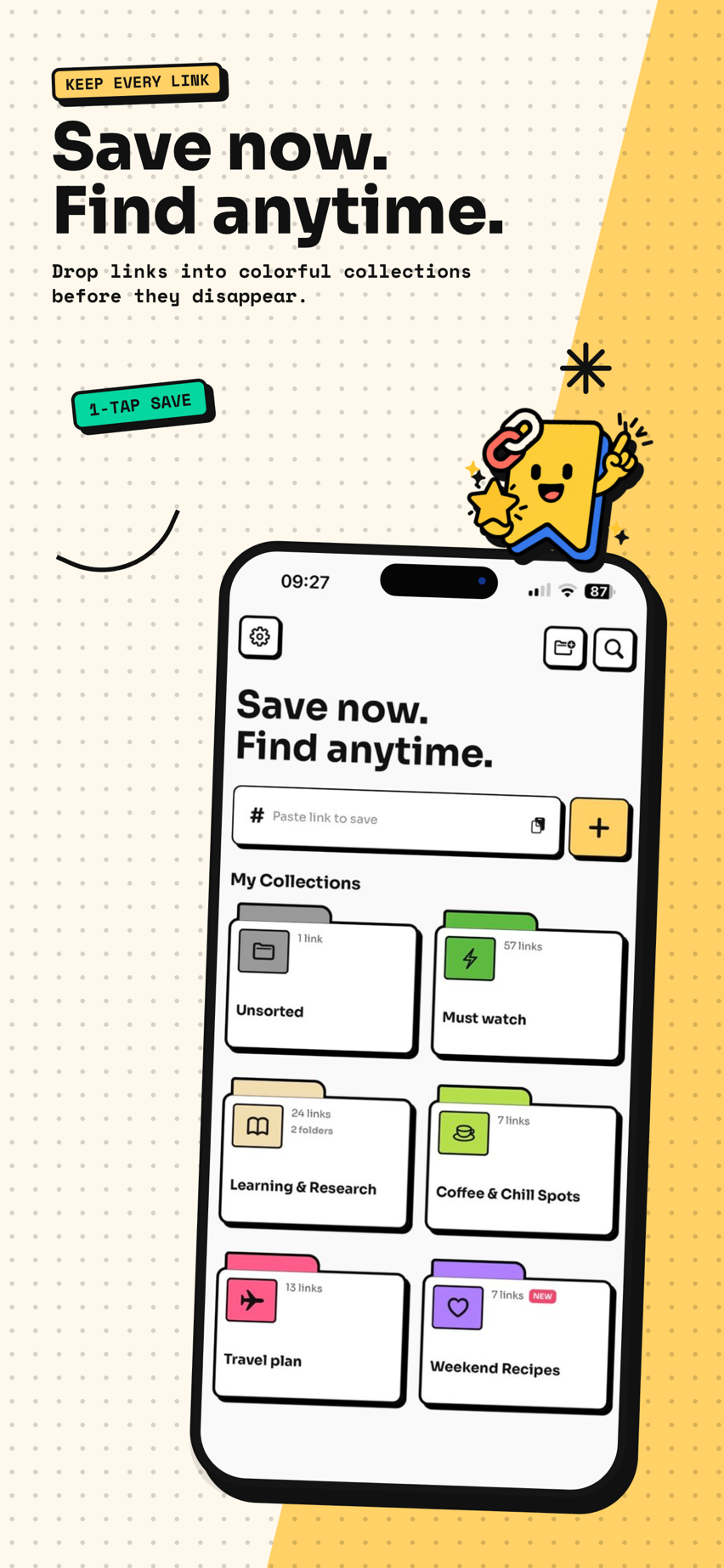
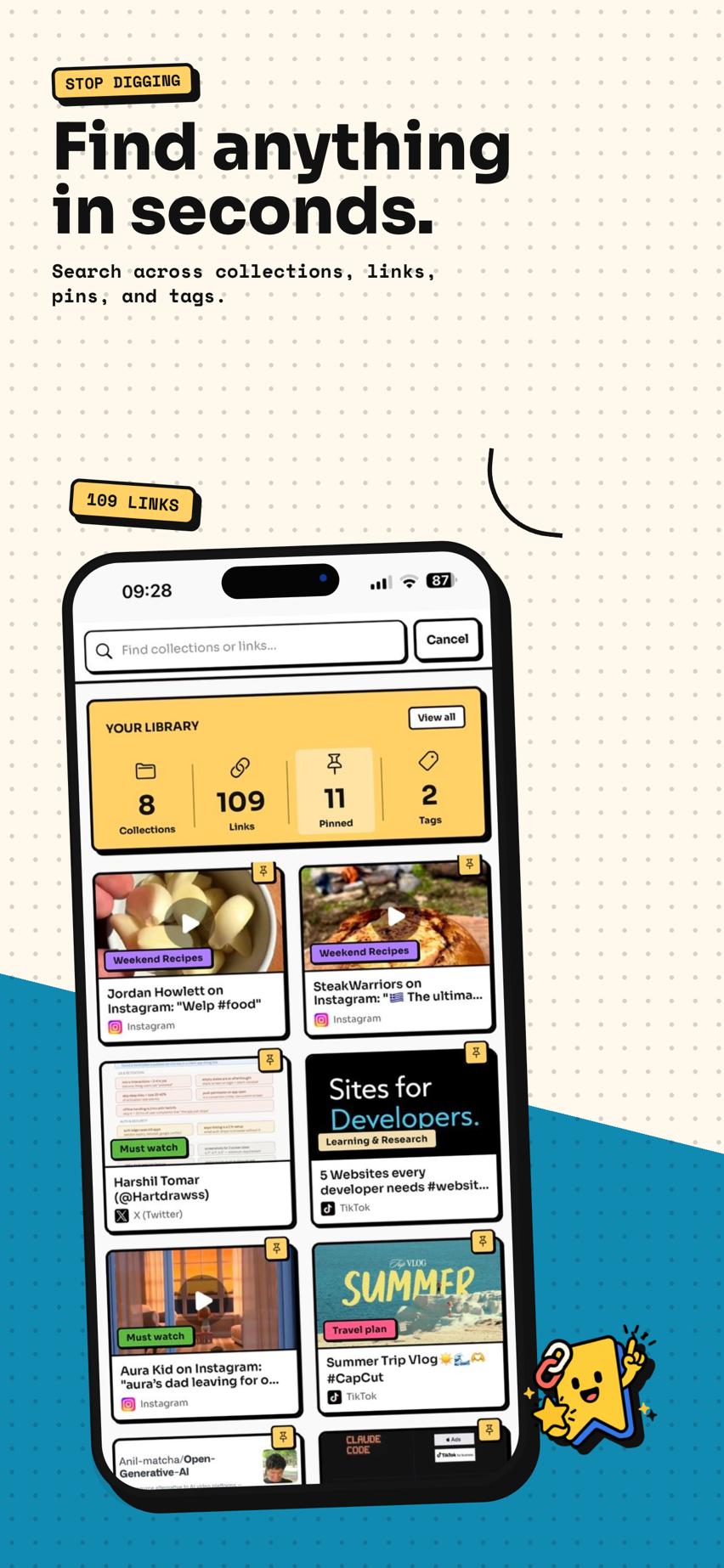
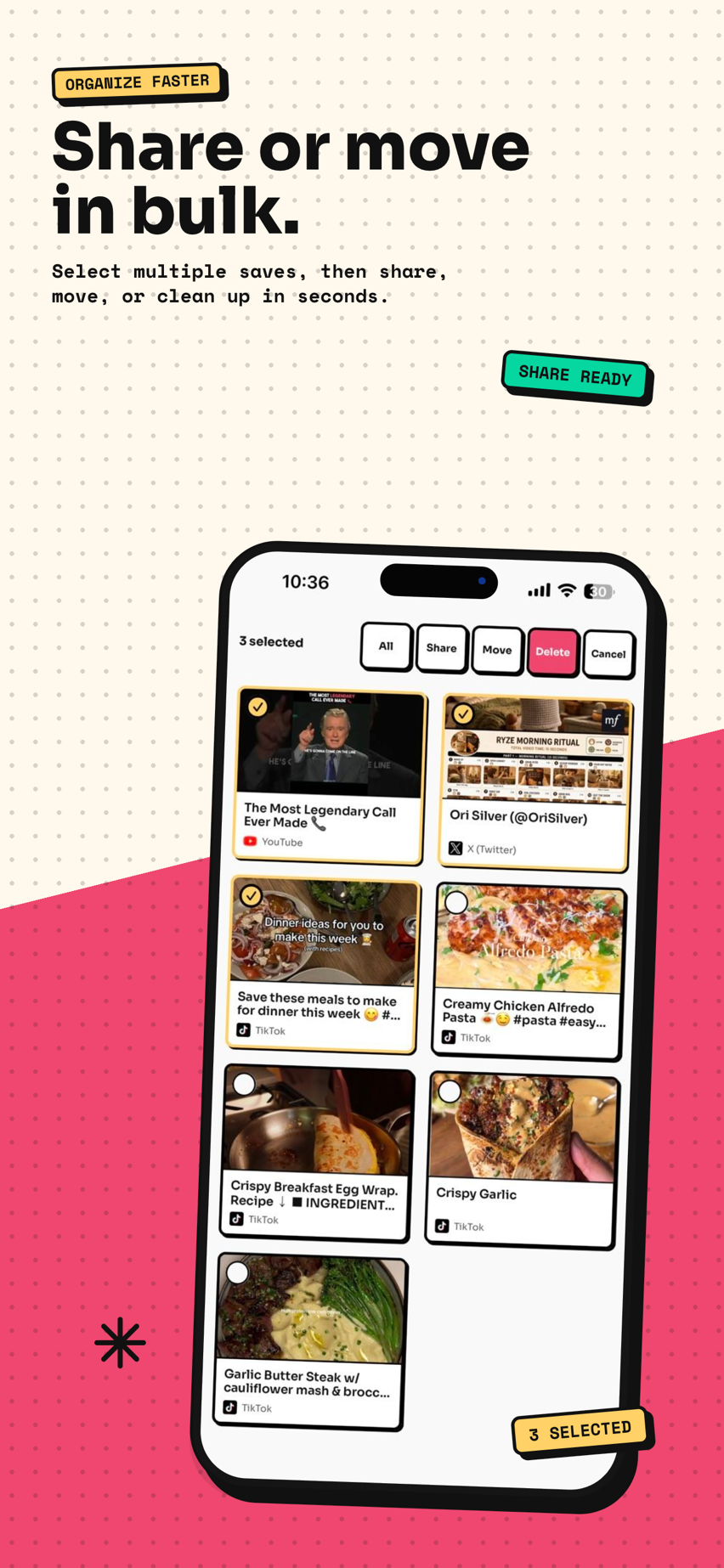

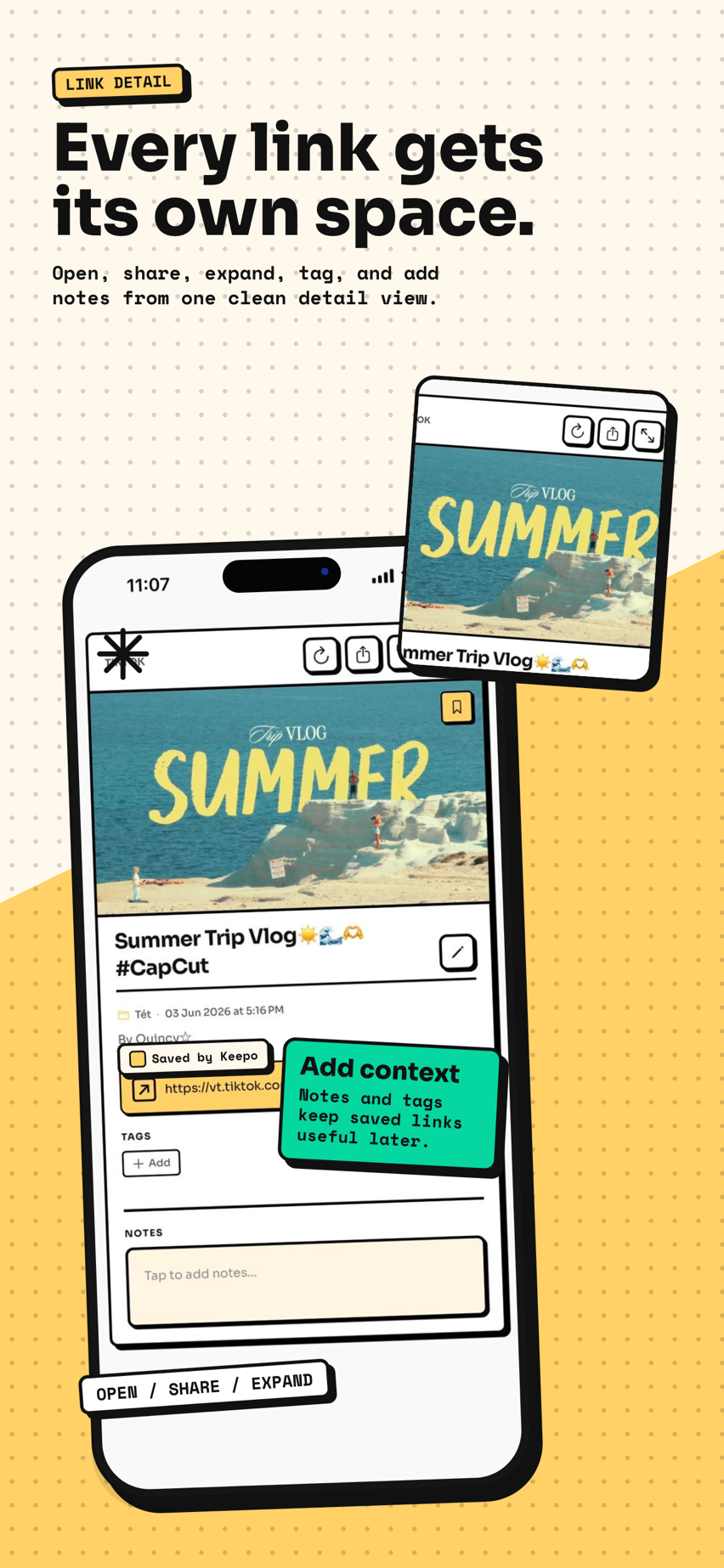
Four clear actions — save links from any app, organize bookmarks into collections, find anything fast, and keep a local backup.
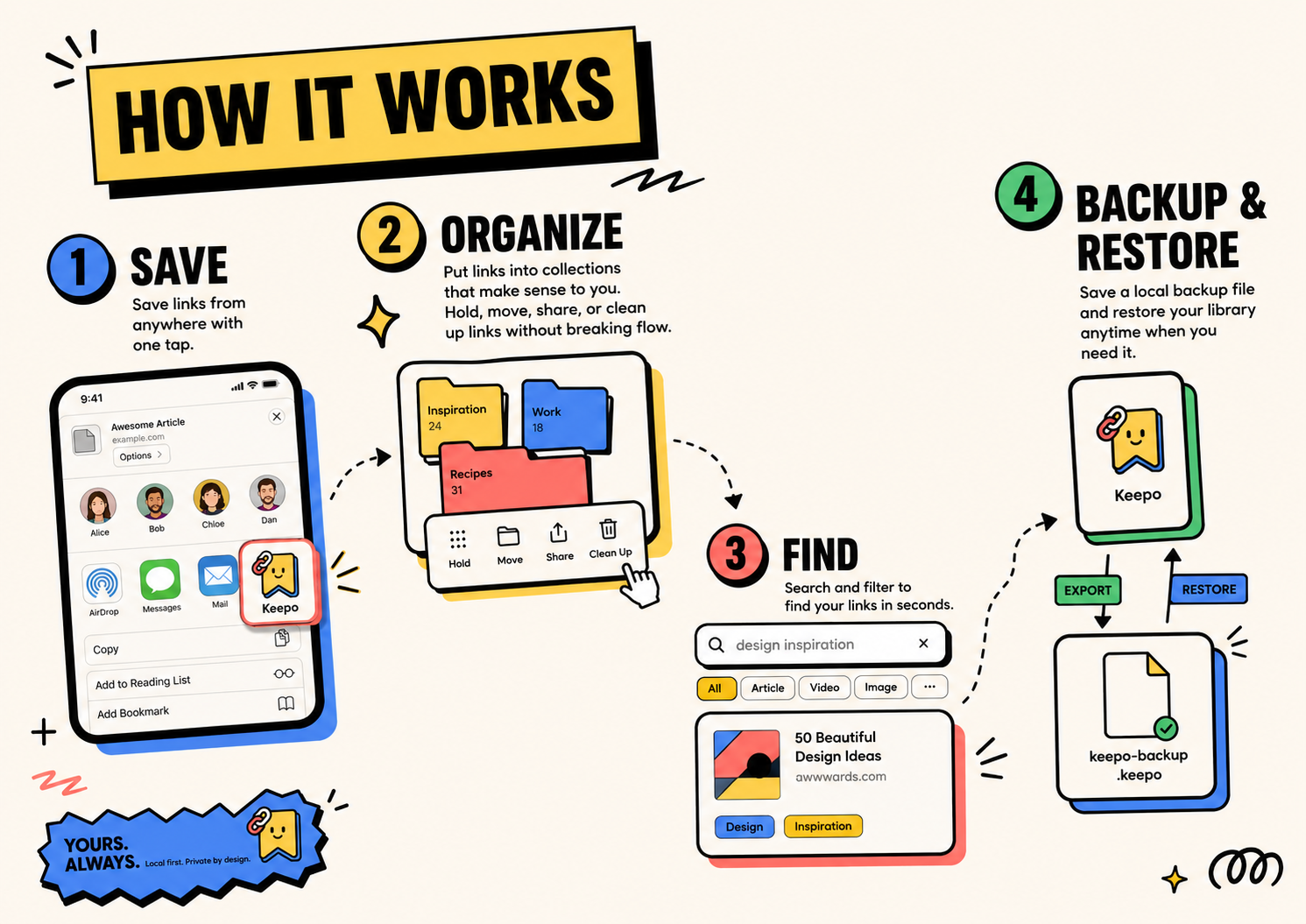
Save links from anywhere with one tap.
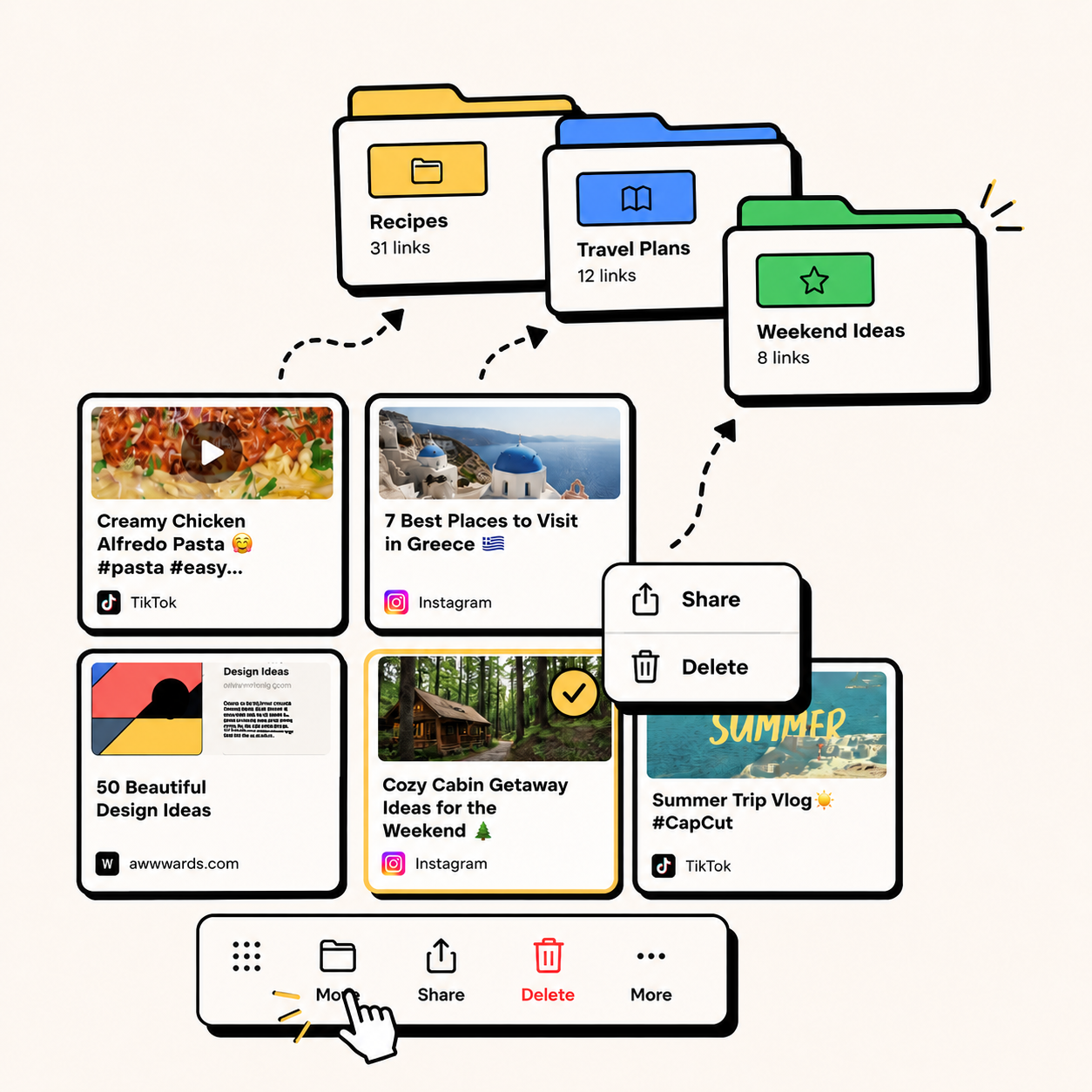
Put links into collections. Hold, move, share, or clean up links without breaking flow.
Search and filter to find your links in seconds.
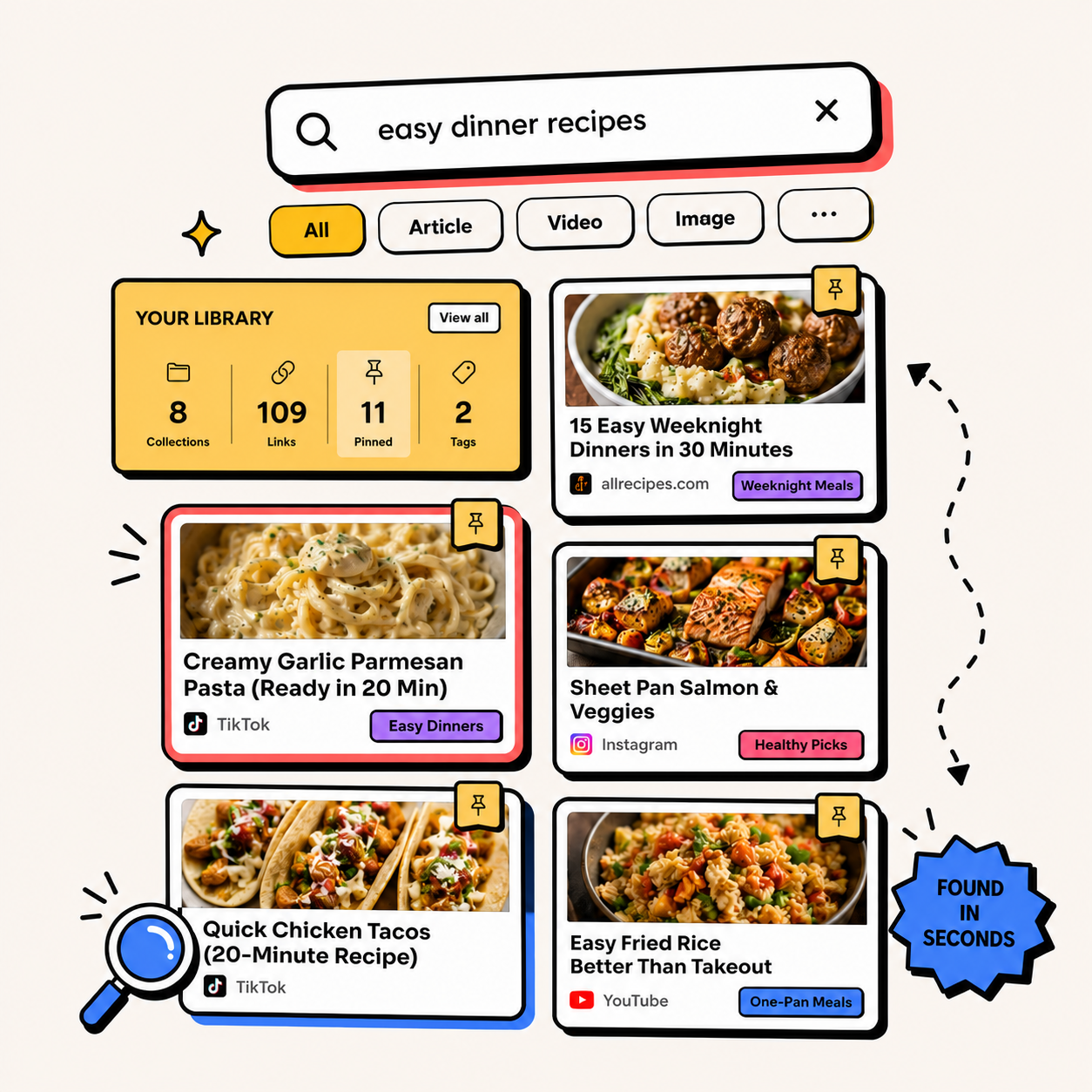
Save a local backup file and restore your library anytime.

No account. No cloud. No tracking. Tuckii is built for the tiny moments when a useful article, tool, video, or idea should not disappear into an endless scroll. Save it, and find it again the moment you need it.
Yes. Tuckii is free to download and use. An optional premium subscription unlocks advanced features.
No. Tuckii is local-first — your links are stored entirely on your device. No sign-up, no email, no cloud sync required.
Yes. Tuckii lets you save links from any app with one tap, organize them into collections, and find them instantly — just like Pocket, but with no account required and your data staying on your device.
All your links, collections, and notes are stored locally on your device. Tuckii never sends your personal data to a server. You can export a backup file at any time.
Tuckii is available on iOS (iPhone and iPad) and Android. A share-sheet extension lets you save links from any app — browsers, social media, podcasts, and more.